Lab - Reflected XSS into HTML context with all tags blocked except custom ones
This writeup delves into the 15th XSS lab in port swigger.
Introduction
We are going to delve into the fifteenth port swigger lab this lab is a little bit different from the previous one. Within the previous one we had some HTML tags banned now all the predefined HTML tags are banned and only custom ones are allowed.
Investigation
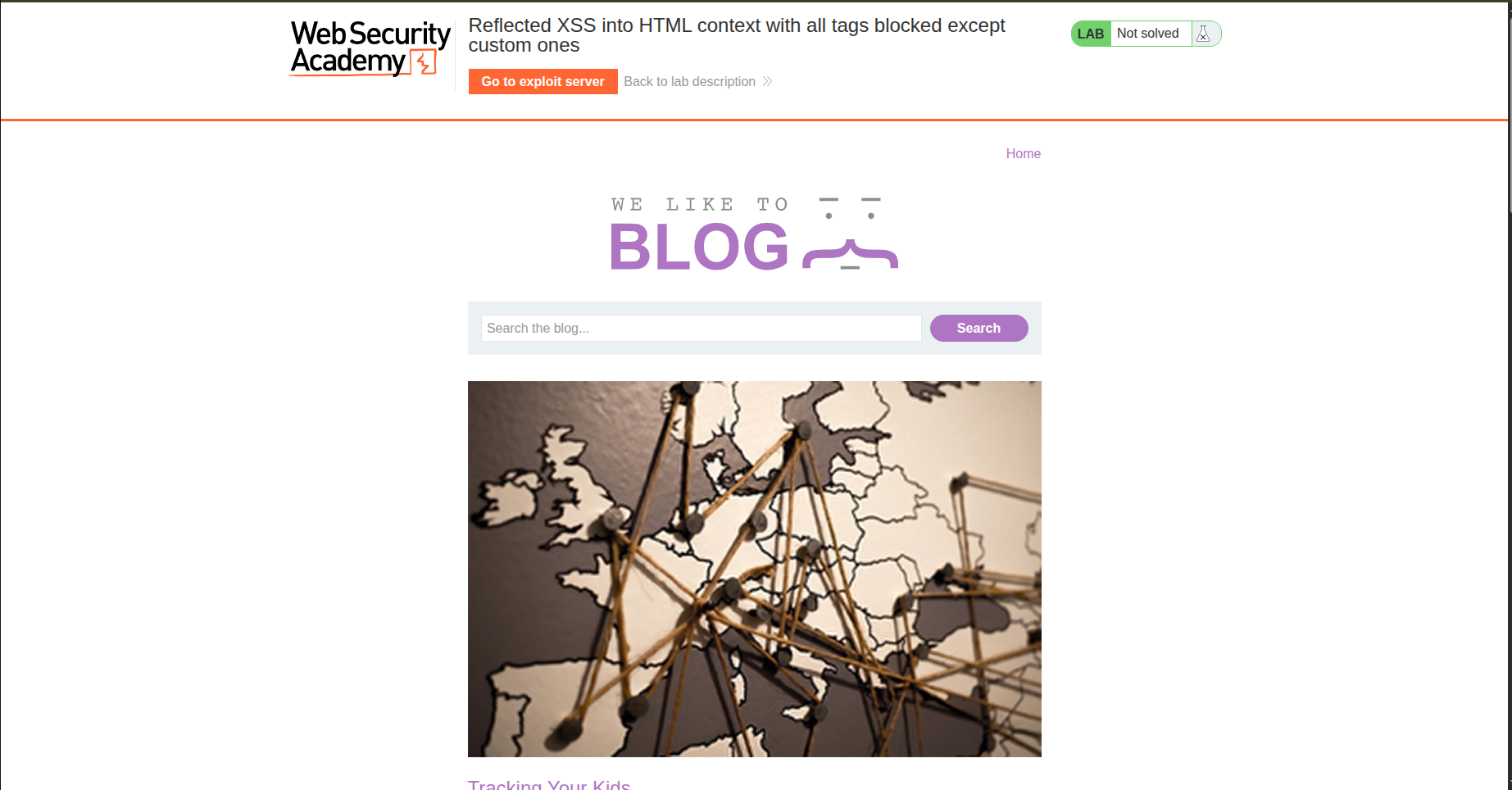
We have the same structure as the previous labs: a blog with a search bar, and we are looking to alert the cookies. However, all HTML tags are blocked except for custom ones, according to the lab.
When we try to inject, let’s say, an h1 tag:
.png)
We get the error “tag is not allowed”:
.png)
So what is the meaning of custom tags? Let’s do some research.

Custom HTML Tags
Custom HTML tags are non-standard HTML elements that aren’t predefined in the HTML specification (like div, p, h1, etc.).
Examples of custom elements:
1
2
<xss></xss>
<custom-tag></custom-tag>
Because HTML is designed to be forward-compatible, browsers don’t reject unknown tags and treat them as containers like div.
Another important thing: these custom tags accept event handlers like onclick, onfocus, etc.
So you get the idea of what we are going to do.
Fuzzing
Since custom tags are allowed, let’s try them first by injecting a custom tag named <xss></xss>:
.png)
And we realize that it is actually acceptable:
.png)
So let’s try to inject onclick or any other event handler because I guess we will need to perform some brute force here.
.png)
And the alert is here:
.png)
But the lab is not solved yet. We need to build a custom payload to send it to a victim.
Payload
The payload needs to automatically fire the alert, so I thought about this payload:
1
2
3
<xss autofocus onfocus="alert(document.cookie)">

</xss>
But it did not work… After some research, I discovered that I need to make the tag focusable, so it becomes as follows:
1
2
3
<xss tabindex="0" autofocus onfocus="alert(document.cookie)">

</xss>
We add tabindex to make it focusable.
So the payload is:
1
2
<iframe src="https://0ab10000034b356480abb785008a0067.web-security-academy.net/?search=%3Cxss+tabindex%3D%220%22+autofocus+onfocus%3D%22alert%28document.cookie%29%22%3E%3C%2Fxss%3E">
</iframe>
After trying, I stumbled into this:
.png)
Then I wondered why the iframe wouldn’t load. I opened the console and discovered this defense mechanism:
1
(index):1 Refused to display 'https://0ab10000034b356480abb785008a0067.web-security-academy.net/' in a frame because it set 'X-Frame-Options' to 'sameorigin'.
This defense mechanism basically forces the website to load within an iframe only on a website that has the same origin. In other words, my exploit server should have the same scheme (protocol) + host (domain name) + port.
So we need something other than iframe… maybe fetch?

I actually read the solution, and it is:
1
2
3
<script>
location="https://0ab10000034b356480abb785008a0067.web-security-academy.net/?search=%3Cxss+tabindex%3D%220%22+autofocus+onfocus%3D%22alert%28document.cookie%29%22%3E%3C%2Fxss%3E"
</script>
.png)
.png)
So the exploit server should use this approach. I did not know about location or window.location in JS—basically, it redirects the victim to the intended page.
That is OP! CORS and same-origin policy can’t even block this.
Conclusion
Nice lab, actually. I’m learning how to create custom payloads—I find it hard to think outside of the box sometimes xD.