DOM XSS in jQuery anchor href attribute sink using location.search source
This writeup delves into the fifth XSS lab in PortSwigger.
Introduction
So another lab in PortSwigger XSS until I find my first real bug. What are we going to meet today? This lab is titled DOM XSS in jQuery anchor href attribute sink using location.search source
Investigation
So the usual website, but the lab title says it’ll be DOM-XSS for jQuery this time. So I’ll try to investigate everything.

Submit Feedback
We realize that a new link has been added which is Submit feedback. Let’s try and check it out. So the page is a form where you insert your name, email, subject and message.
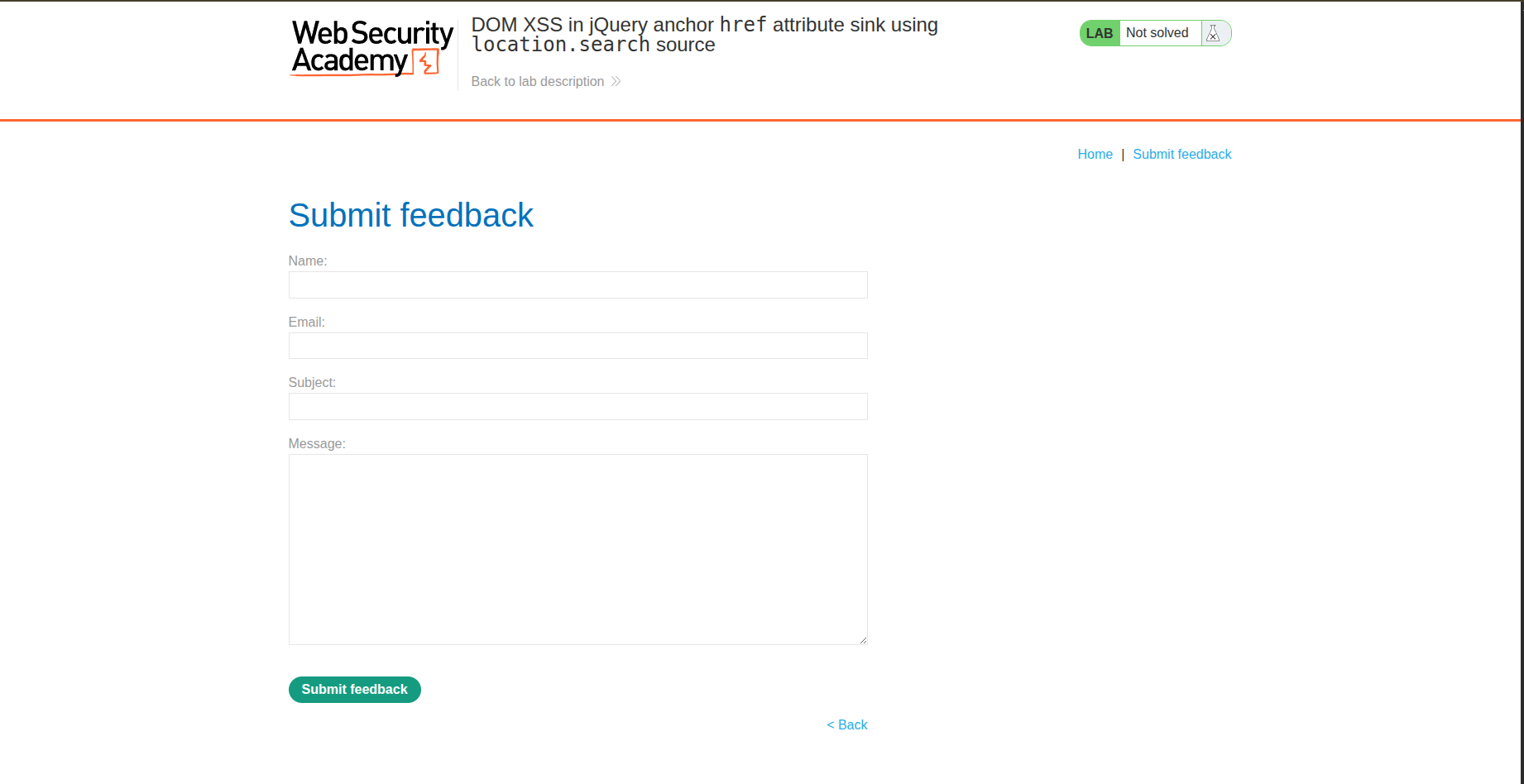
So since this is a DOM based XSS, let’s check the source code - I know, lazy, but the title is so leading xD - So we check the source code and we find this:
1
2
3
$(function() {
    $('#backLink').attr("href", (new URLSearchParams(window.location.search)).get('returnPath'));
});
So when we click the back button we get redirected to what returnPath equals to. But I don’t see any way we can leverage from this unless we perform some phishing or CSRF, but that’s another story. So where can I find the attack vector for XSS? So we just submit a feedback and that’s it, nothing more and nothing less. Maybe we got it wrong, maybe nothing juicy here.

So by just changing the URL: https://blah.web-security-academy.net/feedback?returnPath= by changing the returnPath param, we get redirected to any page we want. But I remember a famous payload they used to type which is javascript:alert(0) because when I tried other payloads, the usual ones, it redirected me to a page and told me page not found. And after using that payload we got our alert: https://blah.web-security-academy.net/feedback?returnPath=javascript:alert(0)
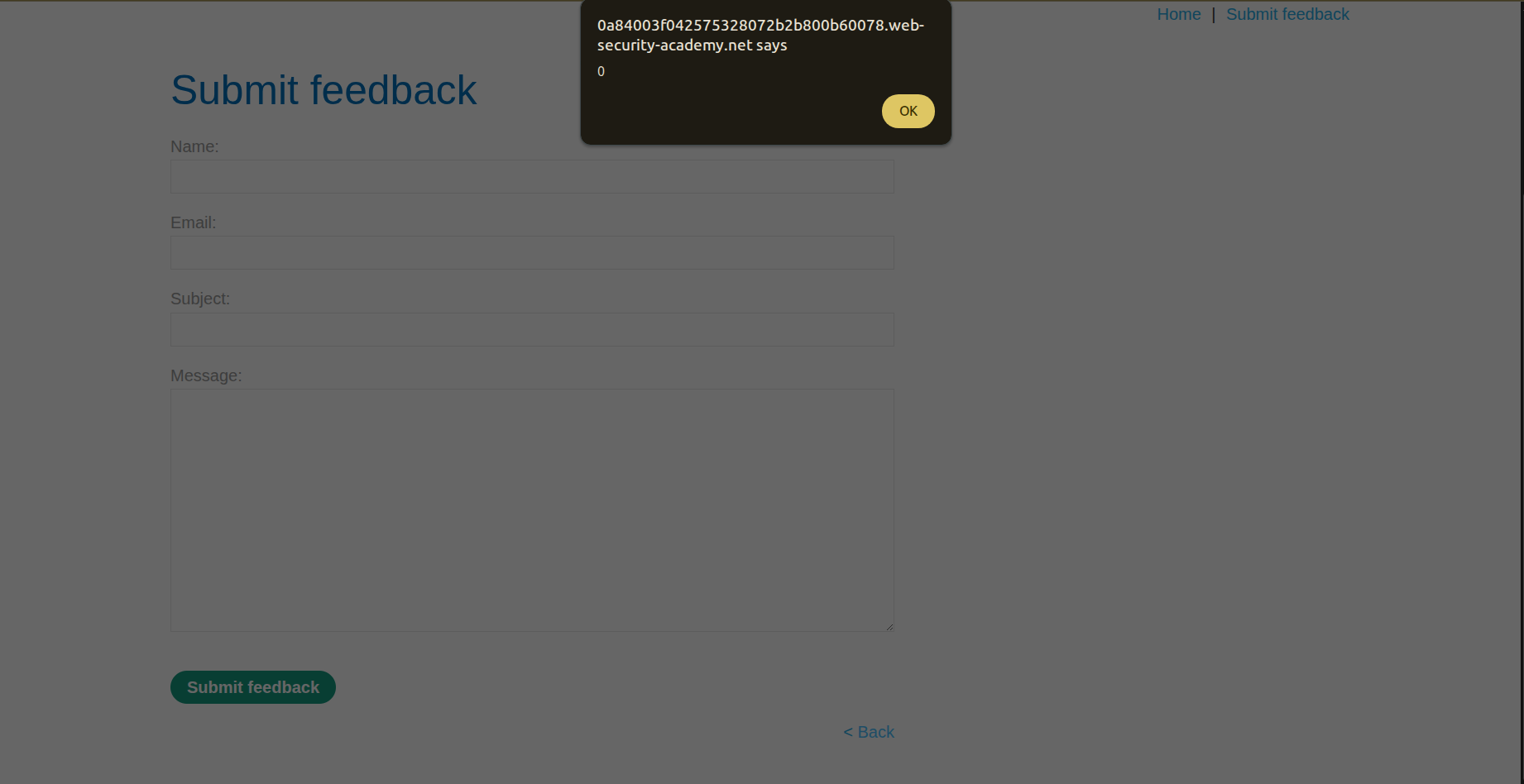
And it is solved. Dude, that thing I did was some experience stuff. I don’t know the meaning of this payload, I just remembered it, so let’s check why it did what it did.
Why it worked
So after some research, I discovered the meaning of the source code of jQuery (pardon me, I ain’t a dinosaur, I don’t know jQuery syntax xD). So that syntax means that the href attribute of #backLink will be equal to the returnPath value, so by injecting javascript:alert(0) which is called JavaScript URL scheme, it will execute that JavaScript code instead of redirecting to a page. JavaScript URL scheme works on href. So another tip is that XSS is not only injecting normal HTML code, it can also be injection of JavaScript URL Scheme.
Conclusion
Nice! I learned something new, a new payload and when to use it.